
internal-resume-format
Internal Resume Format: Beat ATS & Impress Clients
internal-resume-format
Written by:
internal-resume-format
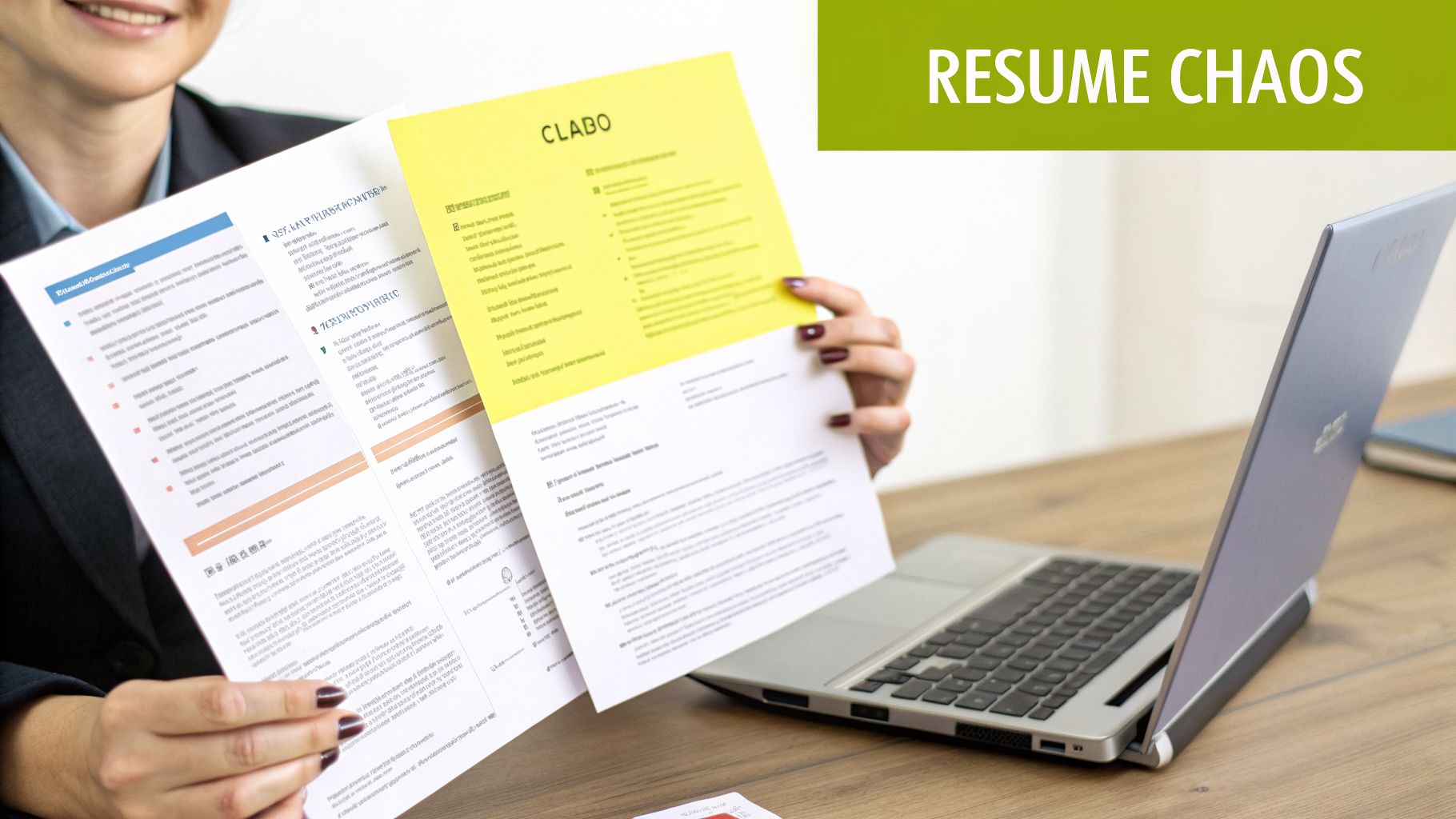
Let's be honest—the constant flood of candidate resumes can feel like pure chaos. If you don't have a consistent internal resume format, you're creating an administrative nightmare that costs you time, money, and placements. This isn't just a minor annoyance; it's a direct hit to your bottom line.
Why Inconsistent Resumes Are Costing You Placements
Picture this: you have three fantastic candidates for a dream role, but their resumes couldn't be more different. One is a slick two-column PDF, the next is a bare-bones text file, and the third uses creative but unhelpful section titles like "My Career Journey." Every minute you spend manually reformatting these documents is a minute you aren't sourcing new talent or building client relationships. That chaos directly eats into your agency's efficiency and profit.
This problem is only getting worse. The old one-page rule is a thing of the past. As of 2026, trends show that 49% of job seekers submit resumes longer than one page, with 30% pushing to two pages or more. This shift is driven by candidates trying to cram in enough keywords to beat automated filters and detail their longer career histories, making your job of standardizing them even more of a headache.
A Tale of Two Resumes: The Candidate vs. The Recruiter
The heart of the issue is that candidates and recruiters are playing two different games. A candidate is trying to stand out to everyone, often using visual flair that breaks most application systems. Your goal, on the other hand, is all about clarity, consistency, and getting that resume client-ready.
The table below highlights this fundamental disconnect in goals.
External vs. Internal Resume Format Goals
Attribute | Candidate's Goal (External) | Recruiter's Goal (Internal/Client-Facing) |
|---|---|---|
Objective | Stand out from hundreds of applicants; get noticed by any hiring manager. | Present a vetted, top-tier candidate tailored to a specific client and role. |
Branding | Personal branding; showcasing individuality through unique design or fonts. | Agency branding; ensuring every submission reflects the firm’s professionalism. |
Audience | Broad and unknown (HR, recruiters, hiring managers). | Specific and known (client hiring manager, internal team). |
Formatting | Often prioritizes visual appeal over machine readability (columns, graphics, etc.). | Prioritizes ATS compatibility, scannability, and consistency. |
This table makes it clear: you can't just forward what a candidate sends you. A standardized internal resume format is the bridge between their world and yours.
The Power of a Standardized Format
By creating one bulletproof template for your team, you ensure every submission that leaves your desk is:
Professionally Branded: It carries your agency's logo and looks uniform every time.
Client-Focused: It highlights the exact skills and wins that matter for that specific job.
ATS-Friendly: It’s structured to sail through any client's applicant tracking system without a hitch.
Adopting a uniform internal resume format isn't about stifling a candidate's personality. It's about creating a predictable, high-quality product that represents your agency’s professionalism and makes your client’s life easier.
Your due diligence doesn't stop with the document, either. Smart recruiters also think about the candidate's public profile. For instance, knowing what employers see when they Google you can uncover red flags you need to address before a submission. Overlooking this detail can tank a placement just as fast as a poorly formatted resume.
Ultimately, standardizing your internal process is the key to solving this expensive problem. For more tips on cleaning up your workflow, our guide on recruitment process best practices is a great place to start. Taming resume chaos is a direct investment in your agency's success.
How to Create an ATS-Proof Resume Template
Have you ever submitted a resume for a great candidate, only for it to vanish into the Applicant Tracking System (ATS) "black hole"? It’s a frustratingly common problem, and more often than not, the culprit isn't the candidate—it’s the resume's formatting. The software companies rely on to screen applications simply can’t “read” fancy layouts, images, or unusual fonts. This means a top-tier candidate can be rejected by a machine before a human ever lays eyes on their resume.
The scale of this issue is pretty shocking. By 2026, a staggering 75% of resumes are projected to be tossed out by an ATS before a recruiter even sees them, mostly because of simple formatting mistakes. With 91% of employers now using AI screening tools to manage their talent pipelines, getting the format right is no longer optional. For a deeper dive into this, check out the 2026 resume trends and AI on The Interview Guys blog.
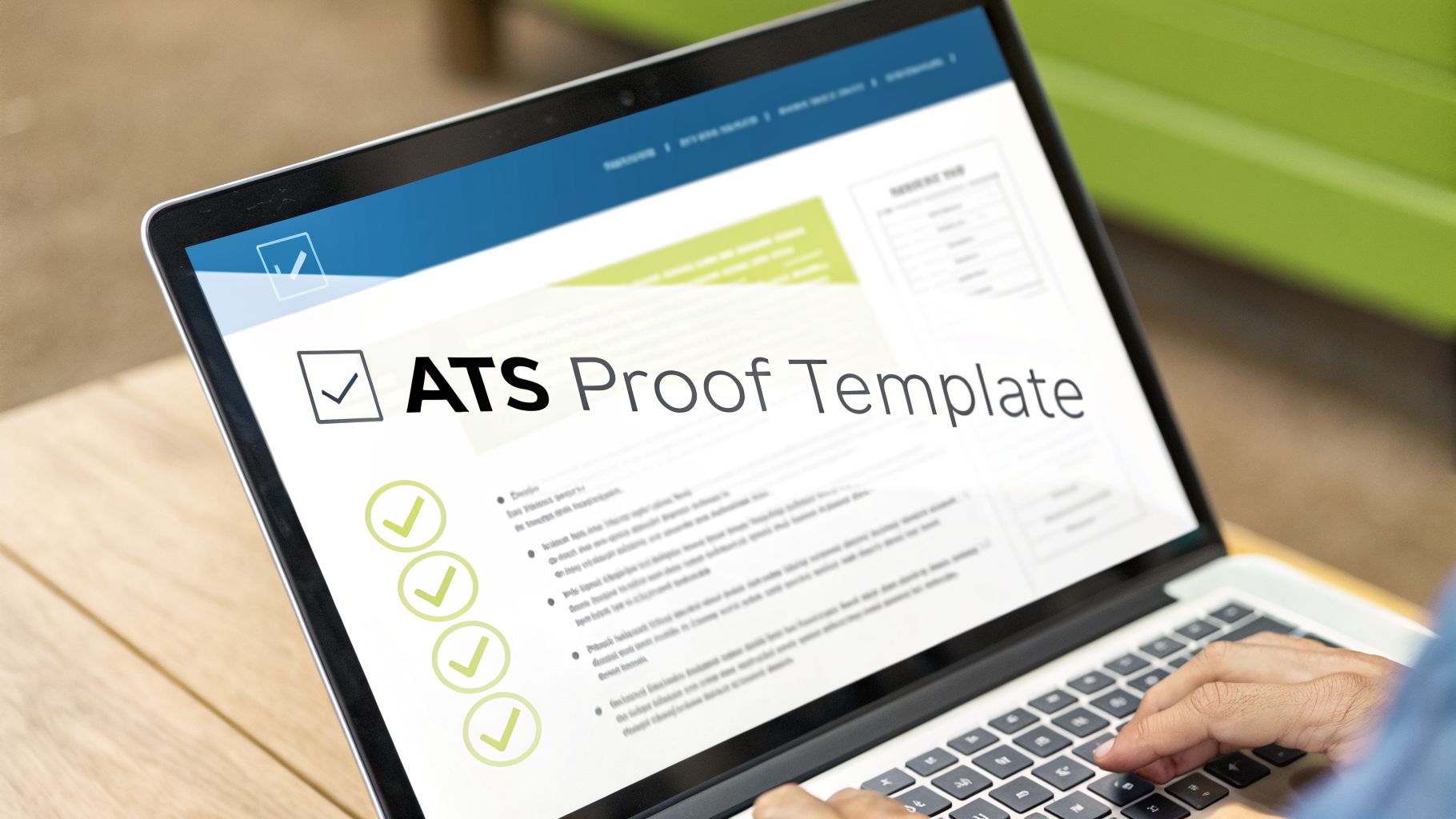
As you can tell, these systems are built for automated filtering. That’s precisely why a clean, machine-readable resume template isn’t just a nice-to-have; it's absolutely crucial.
Building Your Bulletproof Template
To make sure your internal candidates get a fair shake every time, you need a master template designed specifically for the ATS. This is one of those times where clarity trumps creativity. The entire goal is to make the document as easy as possible for software to understand.
First things first: stick to a single-column layout. I’ve seen countless resumes get scrambled because a two-column design confuses the ATS, which tries to read straight across the page and mashes all the text together into gibberish. You also want to completely avoid headers, footers, tables, and text boxes. These elements often get ignored or misinterpreted by the parsing software.
Your font choice is another small detail with big consequences. Stick with the classics—universally recognized, web-safe fonts like Arial, Calibri, Georgia, or Times New Roman. If you use a custom or decorative font, the system might not recognize it, turning key information into a garbled mess.
The Non-Negotiable Checklist for an ATS-Proof Resume
Creating a clean, parsable resume is straightforward once you know the ground rules. Think of this as your pre-flight checklist to avoid the most common ATS traps.
Use Standard Section Headings: Always label your sections with conventional titles like "Work Experience," "Education," and "Skills." Creative headings like "My Career Journey" will only confuse the software.
Submit the Right File Type: When in doubt, a .docx file is your safest bet. While PDFs are great at preserving your layout, a simple Word document often provides the highest level of compatibility across different systems.
No Images or Graphics: This is a big one. Photos, company logos, or any other graphics are invisible to an ATS. At best, they're ignored; at worst, they can cause the entire document to fail parsing.
Simple Bullet Points Only: Use standard, solid round bullets. Avoid arrows, checkmarks, or other custom symbols, as they can show up as random characters or junk text.
An ATS-proof resume isn't about creating a boring document. It’s about building a strategically simple one that communicates value clearly to both software and, eventually, the human on the other side.
Want to be absolutely sure your resume will pass muster? A smart final step is to run the document through an AI Resume Checker. This can help you catch any subtle formatting issues that you might have missed before you hit "submit."
Structuring Your Internal Resume for Maximum Impact
Getting a candidate's resume past the initial ATS scan is one thing. Actually convincing a hiring manager to pick up the phone is another challenge entirely. This is where you, the recruiter, move beyond just formatting and start shaping a compelling narrative that proves why your candidate is the only person for the job.
So, where do you start? With the foundation. The reverse-chronological format is your best friend here. It’s not just a classic; it’s the standard for a reason. In my experience, and data backs this up, over 80% of recruiters and hiring managers prefer it. It gives them exactly what they want, right up front: the most recent, relevant experience. It tells a clean story of career growth.
Crafting a Summary That Sells
The first thing a hiring manager sees is the professional summary, and it’s your thirty-second window to make an impression. Never, ever just copy and paste what the candidate wrote. Your real value is in rewriting this section to speak directly to your client’s pain points.
A candidate's summary might say something generic like, "Experienced marketing professional seeking a new challenge." That's an instant turn-off.
Your version needs to be sharp and packed with value. Try this instead: "Results-driven Marketing Manager with 7+ years of experience leading B2B SaaS campaigns, specializing in demand generation and marketing automation. Proven ability to increase MQLs by over 200% and ready to apply these skills to drive growth at [Client Company Name]."
See the difference? It immediately tells the manager, "This person has the exact skills I'm looking for."
Transforming Responsibilities into Quantified Wins
Here’s the single most powerful change you can make to an internal resume: turn every responsibility into a measured achievement. Hiring managers don’t care what a candidate was supposed to do; they want to know what they actually accomplished.
This means you have to dig for the numbers. Every bullet point is a missed opportunity if it doesn't showcase tangible impact.
Don't just say: "Managed the sales team."
Instead, show the result: "Led a team of 10 sales representatives to exceed quarterly quotas by an average of 15% for six consecutive quarters."
Don't write: "Responsible for improving website performance."
Quantify the success: "Spearheaded a website optimization project that improved page load speed by 40% and reduced bounce rates by 25% in three months."
A resume without metrics is just a job description. A resume with quantified achievements provides cold, hard proof of a candidate’s value.
This isn't just a "nice-to-have." We've seen that candidates with data-backed achievements in their resumes get a 40% higher response rate from employers. As the job market gets flooded with AI-generated resumes—used by 80% of job seekers—this kind of authentic, demonstrated impact is what makes your candidate stand out. You can find more recruiter-focused data like this in a great breakdown of the best resume formats on ResumePolished.com.
Before and After: A Practical Example
Let's look at this transformation in the real world. Here’s a typical, vague bullet point from a candidate’s original resume and how you should reframe it for your client.
Before (Candidate's Version):
"Worked with the product team to launch new features."
This tells the reader almost nothing. It’s passive and gives no sense of scale, contribution, or success.
After (Your Recruiter-Formatted Version):
"Collaborated with a cross-functional product team of 8 to successfully launch 3 major platform features, contributing to a 20% increase in user engagement and a 10% uplift in customer retention over two quarters."
The "after" version is a world apart. It's specific, loaded with metrics, and connects the candidate's work directly to bottom-line business results. That’s what gets a busy hiring manager to nod and say, "I need to talk to this person."
Tailoring and Branding Submissions at Scale
Having a standard internal resume format is great for consistency, but it’s just the starting point. The real art of recruiting—what separates the good from the great—is in the smart, targeted personalization you apply to each submission. This is where you transform a strong candidate into the perfect candidate for a specific role.
The secret isn't about spending hours manually rewriting every resume. It's about knowing which high-impact changes to make quickly. This means tweaking the candidate's professional summary to echo the language in the job description or reordering their skills to put the most relevant ones right at the top. You're not rewriting their history; you're just shining a spotlight on what matters most to this hiring manager.
Think about it this way: you have a Software Engineer whose standard resume lists "Java" and "Python" side-by-side. If the role you're submitting them for is heavy on Python for data analysis, you’d be crazy not to lead with that. A quick shuffle to highlight their Python expertise and projects first can completely change how a hiring manager sees their fit for the job.
The Power of Agency Branding
Beyond just tailoring the content, every single document you send out is a billboard for your agency's brand. When a resume arrives with your branding on it, it’s not just another PDF—it’s your stamp of approval. It sends a clear message to the client: "We've vetted this person, we believe in them, and we stand behind their qualifications."
And branding is more than just slapping a logo on top. It’s about creating a consistent, professional package.
Consistent Styling: Using your agency's fonts, colors, and layout makes every submission instantly recognizable and professional.
Uniform Headers and Footers: Your agency's contact info and a standard confidentiality notice should be on every page, reinforcing your role as the go-between.
Standardized Naming Conventions: Sending a file named
JohnSmith-SeniorAnalyst-YourAgency.pdflooks a hundred times better than forwardingJSmith_Resume_Final_v3.docx.
By branding every resume, you move from being a simple resume-pusher to a true talent partner. This consistency builds trust and reinforces your value, making your submissions the ones hiring managers look forward to opening.
Balancing Customization with Efficiency
Of course, the big challenge is doing all this without killing your momentum. If you’ve found five fantastic candidates for an opening, you can't afford to burn an hour customizing each one. This is where you have to build a bridge between manual touch-ups and smart automation.
Your goal should be to automate the tedious, repetitive parts—applying a template, adding your logo, standardizing the section titles. This frees you up to focus on the work that actually requires your brain: crafting a killer summary or highlighting the quantified achievements that align perfectly with what the client needs.
This approach treats recruiting like what it truly is: a sales process. Every submission is a carefully crafted pitch. If you want to dive deeper into this mindset, you might find our article on why recruiting is a sales discipline insightful.
Ultimately, the best internal resume format is one that lets you deliver a product that is both perfectly tailored for the role and consistently branded for your agency. It turns every submission into a powerful sales tool.
Automating Your Workflow with Recruiter-First AI
Let's be honest—how many hours do you lose each week just battling messy resumes? Between inconsistent formats from candidates and wrestling with each client’s unique ATS quirks, the administrative drain is real. The solution isn’t to work longer hours; it’s to work smarter.
This is where purpose-built AI tools are completely changing the game for recruiters. They’re designed to take a pile of jumbled CVs and turn them into perfectly formatted, client-ready submissions in minutes, not hours.
Picture this: you get a resume from a fantastic candidate, but it’s a formatting nightmare. Instead of the usual 30-minute slog of manually cutting, pasting, and rebranding into your agency's template, you just upload it to a tool like Saply.ai. In seconds, it restructures the entire document, applies your company's branding, and can even draft a tailored professional summary based on the job description.
The True Value of Recruiter-First Automation
This isn't about AI replacing your expertise. It’s about amplifying it. The whole point is to let automation handle the repetitive, low-value work so you can pour your energy into the human side of recruiting—the part that actually lands placements.
The benefits are real, and they show up almost immediately.
Slash Your Prep Time: We've seen agencies cut their resume processing time by as much as 80%. That’s time you can now spend sourcing top talent, talking to clients, and closing deals.
Guarantee Submission Quality: Every single resume that goes out the door will have your standard, branded internal resume format. No more inconsistencies, just pure professionalism every time.
Boost Your Placement Rate: When you can submit perfectly tailored and branded documents faster than the competition, you immediately gain an edge and seriously increase your chances of making the placement.
This simple workflow chart breaks down how AI gets you there. It handles the heavy lifting of standardizing the base document and applying your brand, freeing you up to add the final, personal touches.
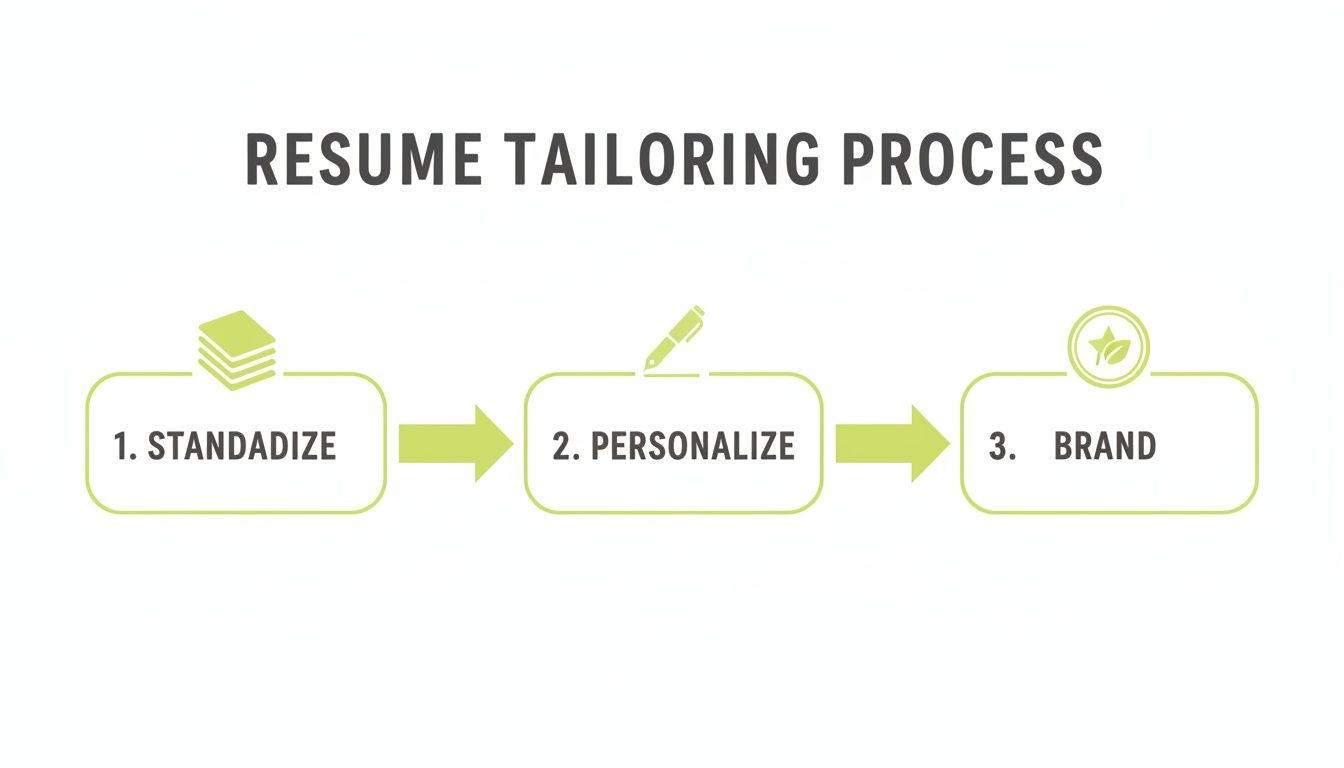
This process isn't about taking you out of the equation. It's about giving you the runway to focus on the high-impact, strategic work that makes a candidate truly shine.
The goal of AI in recruiting is simple: kill the administrative bottleneck. When you automate standardization and branding, you're free to do what you do best—build relationships and match great people with great opportunities.
For any recruiter who has ever been stuck in the soul-crushing cycle of copy-pasting into a rigid system like Europass, this kind of workflow is a breath of fresh air. If that sounds familiar, you should see that there's a much better way to format resumes.
By bringing these tools into your daily process, you shift your work from a manual, time-sucking chore into a fast, efficient, and scalable operation. You’ll submit more high-quality candidates, impress your clients, and ultimately, drive more revenue.
Answering Your Top Questions on Internal Resume Formatting
Even seasoned recruiters run into tricky situations when formatting resumes for internal review. Every candidate is different, and knowing how to handle unique career paths is what separates a good submission from a great one. Let's walk through a few of the questions I get asked most often.
What's the Best Internal Resume Format for Technical Roles?
When you’re dealing with a technical role, you want a hiring manager to see the right skills in seconds. I've found that a hybrid format, sometimes called a skills-first format, is your best bet. Right after the professional summary, dive straight into a detailed technical skills section.
Don't just throw a list of keywords at them. Break it down into logical categories that a tech manager will instantly recognize:
Languages: Python, Java, C++, TypeScript
Frameworks: React, Angular, Spring Boot, Django
Databases: PostgreSQL, MongoDB, Redis
Cloud Platforms: AWS, Azure, Google Cloud
After that skills breakdown, your work experience should still follow a reverse-chronological order. The key here is to tie their experience directly to those skills with project-based results. Instead of a generic duty, show the impact. For example, "Developed a new microservices architecture using Java and Spring Boot, cutting API latency by 40%." That one sentence proves their skill and shows the business value they delivered.
How Should I Handle Career Gaps in an Internal Resume?
Career gaps can feel like a red flag, but they don't have to be. The trick is to be transparent and frame it strategically. Whatever you do, stick with the reverse-chronological format. Functional resumes almost always look like you're trying to hide something, which just makes hiring managers suspicious.
Address the gap head-on, but keep it brief and professional in your cover note to the client. If possible, put a positive spin on it. Something like, "Returning to the workforce after a planned sabbatical focused on professional development and new certifications."
For candidates with lots of short-term gigs, like contractors, don't list them as a dozen separate jobs. That can look choppy. Instead, group similar roles together under a single heading like "Consulting Engagements (2023-2026)" to show continuous work, not a string of disconnected projects.
AI doesn't replace the recruiter; it empowers them. The best tools handle the 80% of formatting that is repetitive and time-consuming, freeing you to apply your expertise to the critical final 20% that wins placements.
Can AI Really Replace a Recruiter's Touch in Formatting Resumes?
Think of AI as your most efficient assistant, not your replacement. Tools like Saply.ai are incredible at handling the repetitive, time-sucking parts of the job—like standardizing layouts, applying branded templates, or even drafting a first-pass summary. This automation frees you up to do the high-value work that only a human can.
Your real value is in adding that final, crucial layer of insight. You’re the one who can fine-tune the career story to resonate with a specific hiring manager, highlight the subtle cultural fits, and capture the human elements that a machine will always miss. The AI does the heavy lifting, so you can focus on what you do best: building relationships and closing deals.
Stop wasting hours on manual resume formatting. Saply.ai transforms messy CVs into client-ready, branded submissions in minutes, right inside your existing workflow. Cut your prep time, boost your placement rate, and focus on what matters most—winning the role. See how it works.