



CV Parsing: How It Works and Why Agencies Rely on It
CV parsing turns any resume file into structured, searchable candidate data in seconds. Here is how it works under the hood, where it breaks, and how staffing agencies use it to screen faster and keep their database clean.
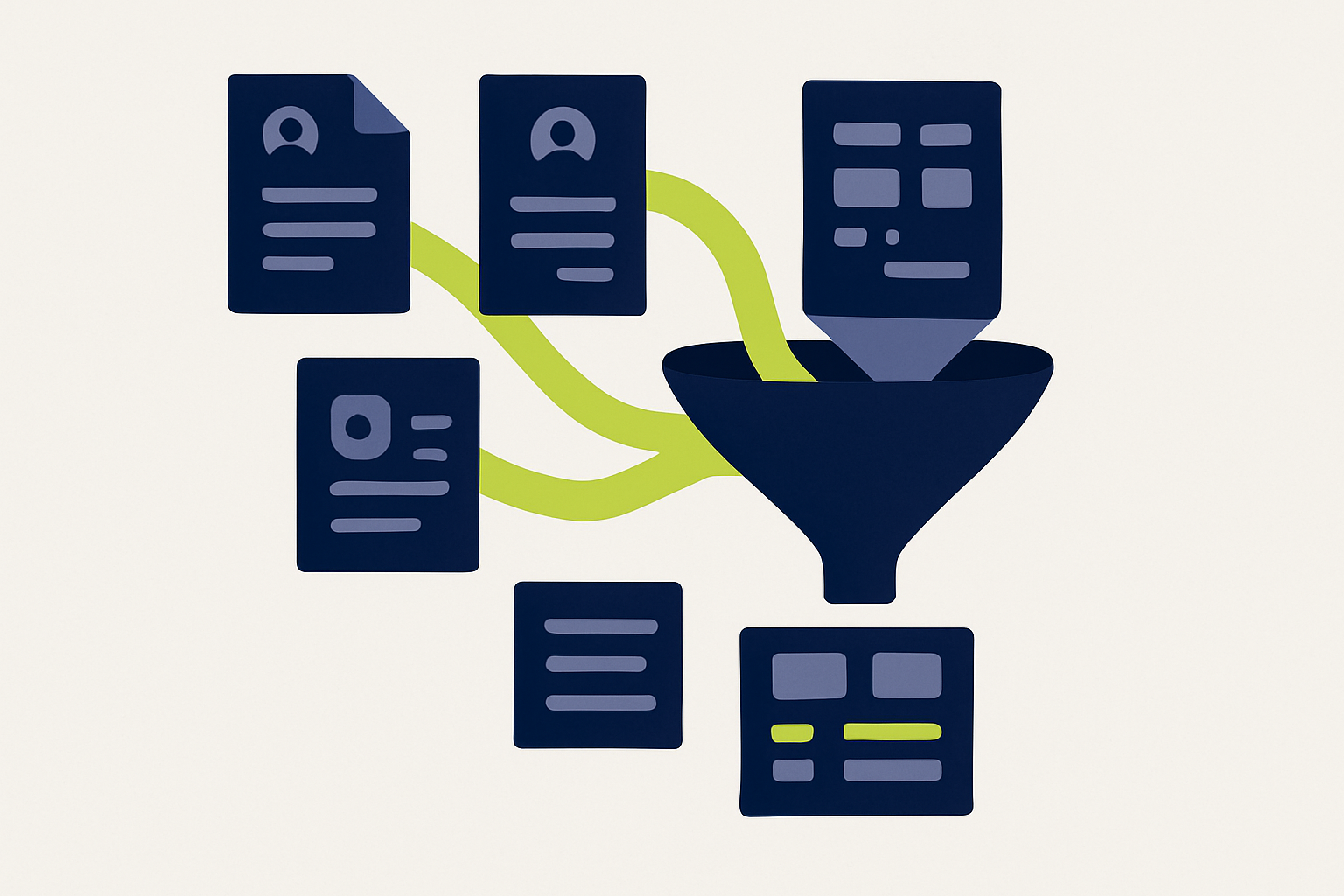
CV parsing is the automated extraction of candidate information from a resume file into structured data. A parser takes any CV (PDF, Word document, scan, even a photo), identifies the fields that matter (name, contact details, work history, skills, education) and stores them in a consistent format your ATS or CRM can search, filter, and match against vacancies.
That is the definition. The reason it matters is simpler: a recruiter reading CVs by hand processes maybe ten an hour. A parser processes hundreds a minute, and it never gets tired at CV number 40.
How CV parsing works, step by step
Modern parsers run every document through the same pipeline, whether it is a polished PDF or a photographed paper CV.
1. Document conversion
The parser first turns the file into machine-readable text. For native PDFs and Word files this is direct extraction. For scans and photos it requires OCR (optical character recognition), which is where cheap parsers usually fail first: a skewed scan or a two-column layout can scramble the reading order and everything downstream inherits the mess.
2. Section and entity recognition
Next, the parser identifies what each piece of text actually is. “2019 to 2023, Data Engineer at Proximus” needs to become a work experience entry with a start date, end date, job title, and employer. This is entity recognition, and it is the step where AI-based parsers have pulled far ahead of the older keyword approach.
3. Normalization
Raw extraction is not enough, because candidates write the same facts a hundred different ways. “MSc”, “Master of Science” and “Masters degree” should land in one field with one value. Good parsers normalize dates, job titles, skills, and education levels against consistent taxonomies, which is what makes the data comparable across your whole database.
4. Structured output
The result is a candidate profile in a standard format (usually JSON behind the scenes) that flows into your ATS, your CRM, or directly into a matching engine that scores the candidate against open vacancies.
Rule-based vs AI parsing
Not all parsers are built the same, and the difference shows up exactly where your CVs get difficult.
| Rule-based parsers | AI parsers | |
|---|---|---|
| How they read | Keyword patterns and fixed templates | Language models that understand context |
| Creative layouts | Break easily | Handled reliably |
| Scans and photos | Usually unsupported | Supported with strong OCR |
| Multilingual CVs | Separate rules per language | Native handling |
| Ambiguity (“Java” the island vs the skill) | Guesses | Resolves from context |
| Maintenance | Constant rule updates | Improves with the model |
Rule-based parsing was the standard for years and still powers many ATS built-in parsers, which is why recruiters have learned to distrust auto-filled profiles. If you have ever seen a candidate’s name land in the employer field, that was a rule-based parser meeting a layout it had never seen.
What CV parsing changes for a staffing agency
For agencies and consultancies the value is not the parsing itself, it is what clean structured data unlocks.
Screening speed. Intake goes from minutes per CV to seconds. For a desk that receives fifty applications a day, parsing alone gives a recruiter back over an hour of reading time, every day.
A searchable talent pool. Parsed CVs become profiles you can query: every .NET developer within commuting distance of Antwerp who was active in the last year. Unparsed CVs in a folder are just files. This is the foundation for building a talent pool that compounds instead of starting every search from zero.
Cleaner data in the ATS. Manual entry is where typos, missing phone numbers, and half-filled profiles come from. Parsing feeds your ATS the same complete structure every time.
Matching. Once candidate data is structured, software can score it against vacancy requirements. That is what powers AI candidate matching: the parser reads, the matcher ranks, and the recruiter decides.
Where parsing goes wrong (and what to check)
Parsing accuracy is the number vendors advertise and the thing you should verify yourself. Three areas separate a parser you can trust from one you will constantly correct:
- Layout tolerance. Test with your ugliest real CVs: two-column designs, tables, headshots, infographic templates. Not the clean samples from the demo.
- Language coverage. If your desks work in Dutch, French, and English, parse one of each. Normalization quality drops fast in parsers trained mostly on English data.
- GDPR handling. Under the GDPR, parsed data is personal data. Ask where processing happens and where the data is stored. For European agencies, EU data residency is not a nice-to-have, and it is one of the first questions your clients’ DPOs will ask. (Saply processes and stores everything in the EU; see our security overview.)
One more honest limitation: no parser is perfect. Accuracy on clean, native-digital CVs is now excellent, but scanned documents and exotic layouts still produce occasional field errors. The practical standard is not “never wrong”, it is “wrong rarely enough that reviewing takes seconds instead of retyping taking minutes”.
Parsing is the first step, not the product
A parser on its own gives you structured data. The gains come from what runs on top of it. In Saply, parsing is the invisible first step of every workflow: upload any CV and the same engine that parses it also reformats it into your agency’s template, scores it against your open vacancies, and syncs the profile to your ATS. The recruiter never sees the parsing, they just see a submission-ready CV and a ranked match list.
That is the right way to evaluate parsing in 2026: not as a tool you buy separately, but as a capability inside the workflow where your team already works. For a comparison of standalone options, see our guide to the best AI resume parsing software.
Frequently asked questions
Is CV parsing the same as resume parsing?
Yes. “CV parsing” is the common term in Europe, “resume parsing” in North America. The technology is identical, though European parsers need stronger multilingual support.
How accurate is CV parsing?
Modern AI parsers extract standard fields from digital CVs with accuracy in the high nineties. Accuracy drops on scans, photos, and heavily designed layouts, which is why testing with your own real documents beats any advertised benchmark.
Does CV parsing work with my ATS?
Usually, yes. Most parsers integrate through the ATS marketplace or an API. Saply syncs parsed profiles to Bullhorn, Carerix, Spott, Loxo, and others; see the full list of ATS integrations.
Is CV parsing GDPR compliant?
Parsing itself is a form of processing personal data, so it falls under GDPR like the rest of your recruitment stack. What matters is the vendor: where data is processed, how long it is retained, and whether a data processing agreement is in place. Ask before you buy.
Can parsed CVs be anonymized?
Yes, and it is one of the most useful things structured data enables. Because the parser knows which field is the name, photo, or birthdate, those fields can be removed automatically for blind screening. See our guide to blind resume screening.